
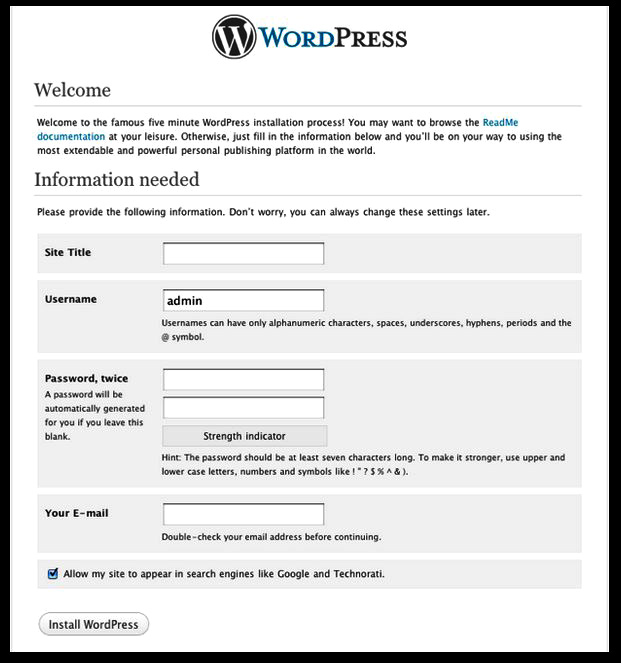
The WordPress “5Minute Install Interface”
(.org) install
On this screen, fill out the name of the site, the admin account credentials you would like and so on. Make sure that you use a working e-mail address and keep track of your password. After you have entered all the requested information, click the install WordPress button. You’re just about done, Log In–and there you will be presented with your Dashboard page welcome screen.
 Arts Journal Zine
Leave a comment